
Prevent disputes with a shared job record
A changelog for tradespeople that keeps job details and changes all in one place with your customer — so nothing gets missed, forgotten, or disputed.
Create Your Free Account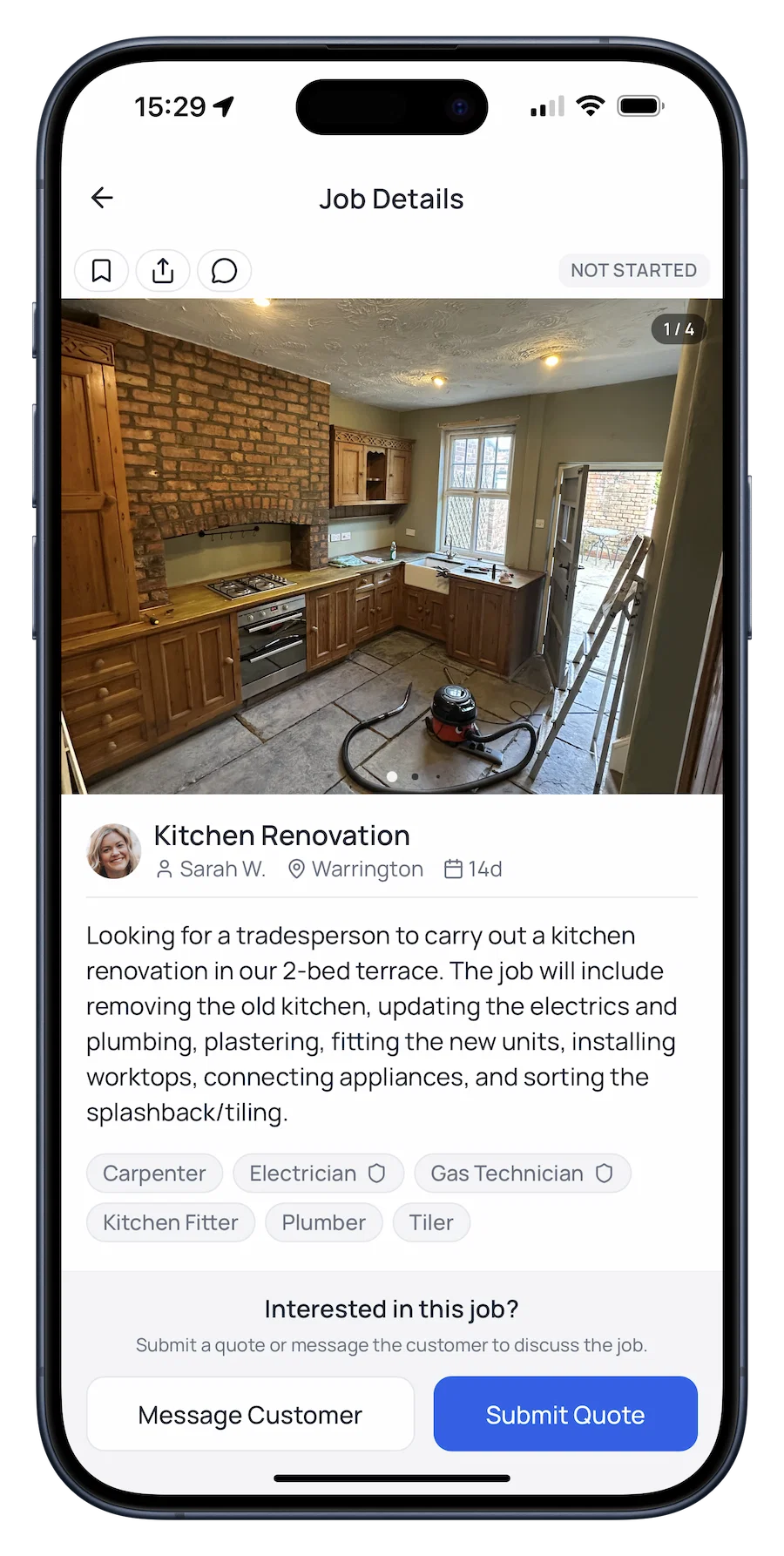
How it works
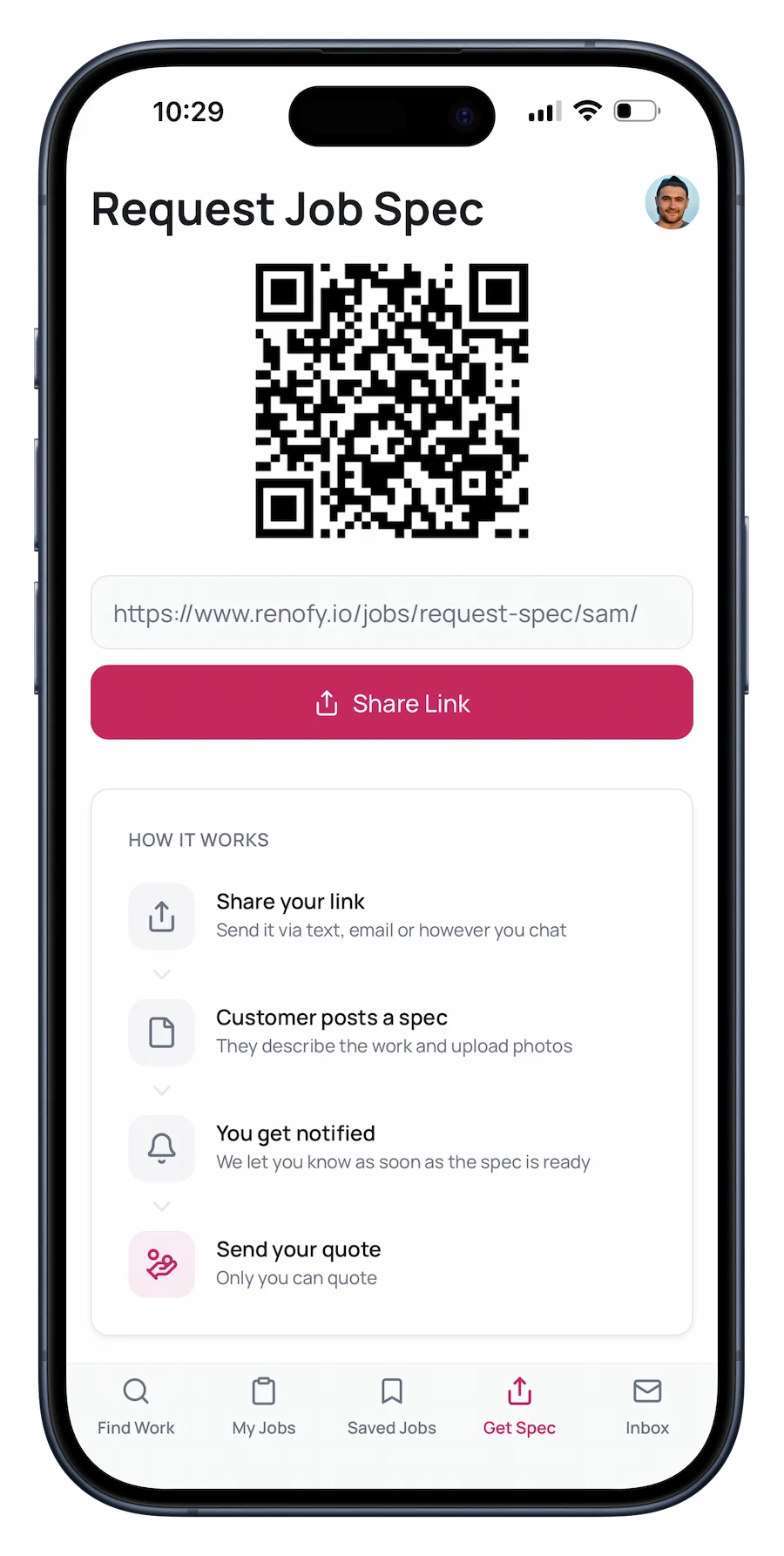
Invite your customer
Send your personal link via text or WhatsApp. Your customer describes the job with guided prompts from Renofy, so everything is clear from day one.
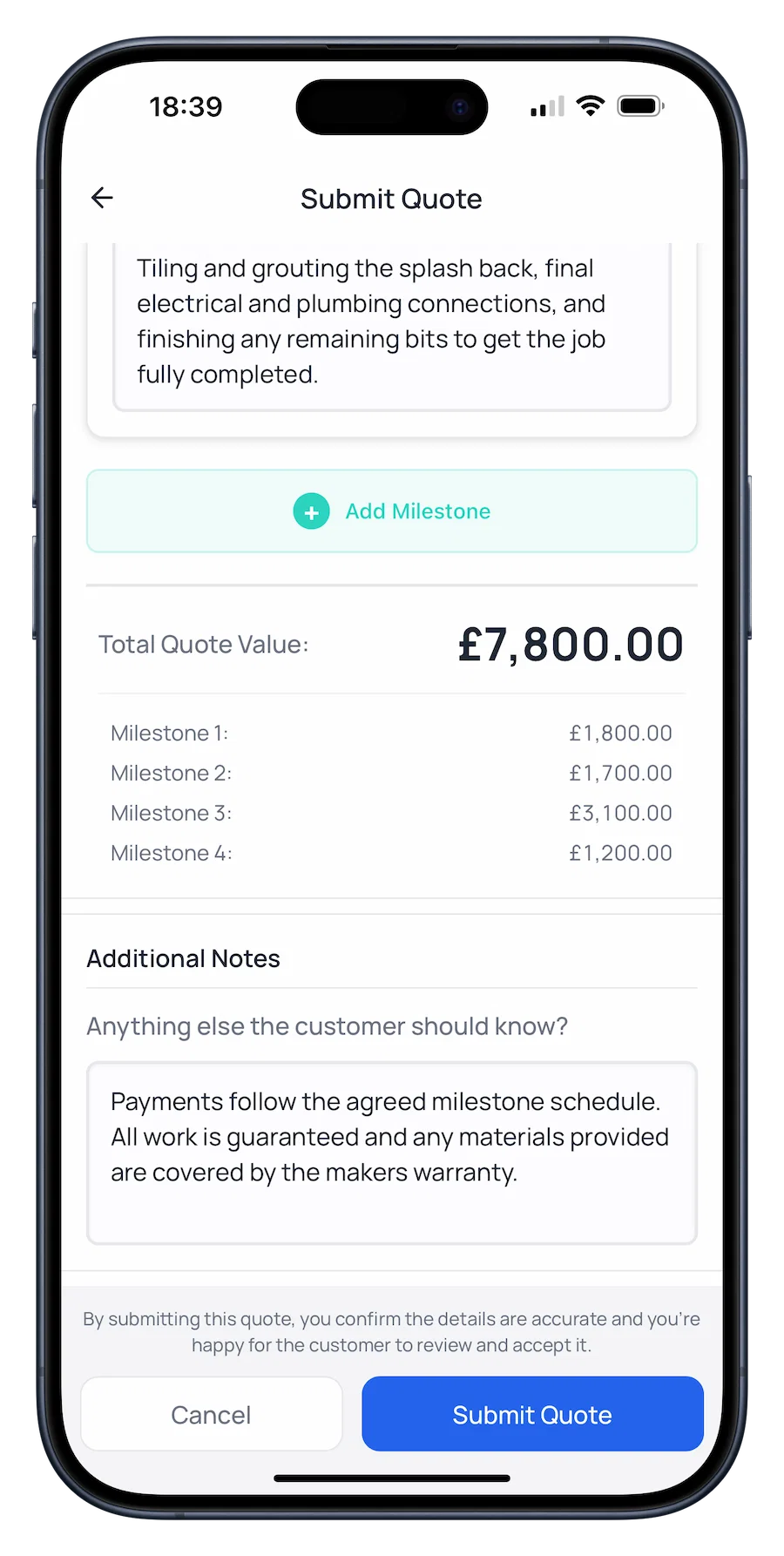
Quote in milestones
Break your quote into clear milestones with individual prices. Your customer sees exactly what they're paying for at each stage.
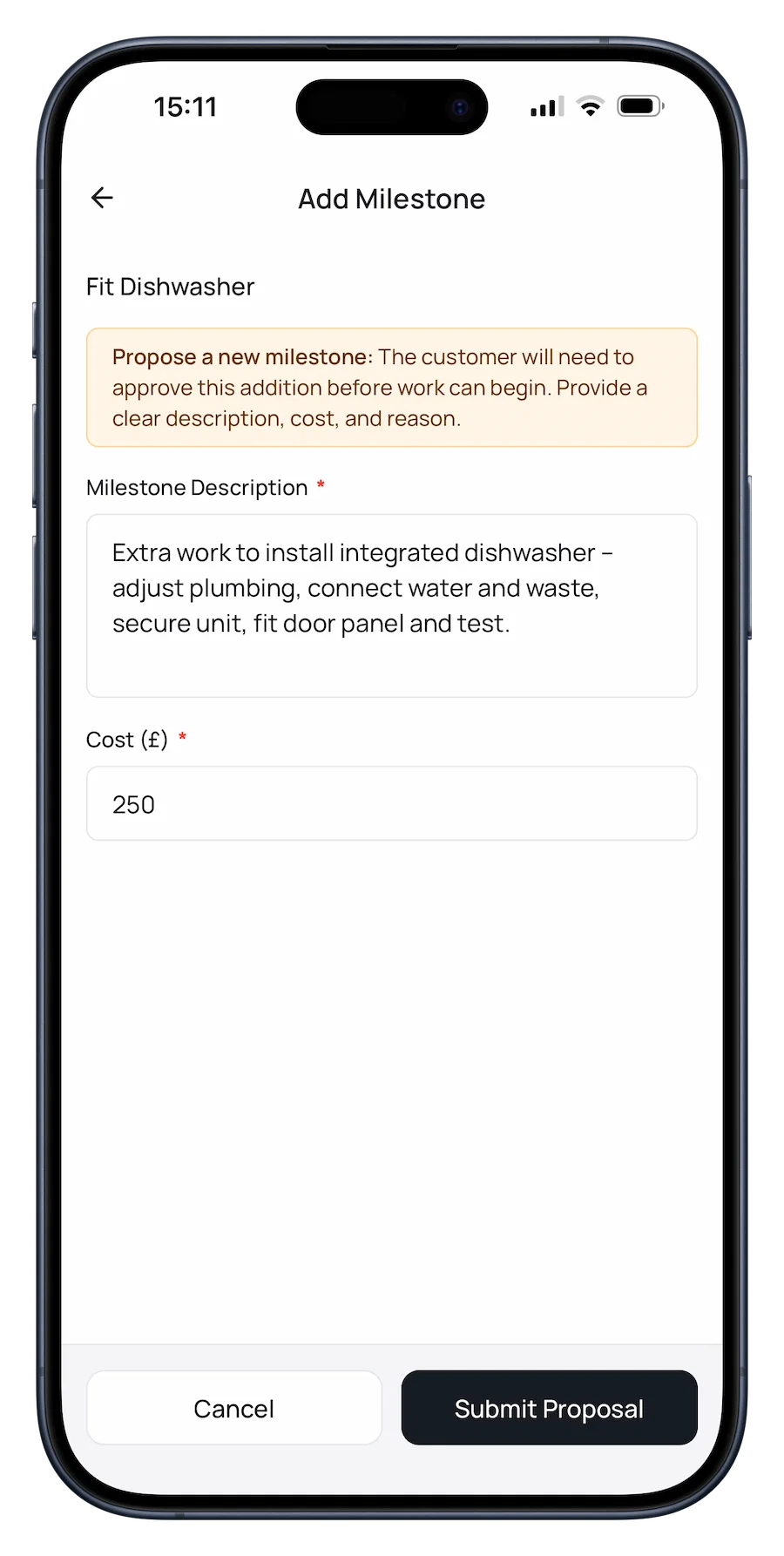
Agree changes as you go
If the scope changes, add new milestones or update existing ones. Both sides agree before any extra work begins, so there's a clear record of what was signed off.
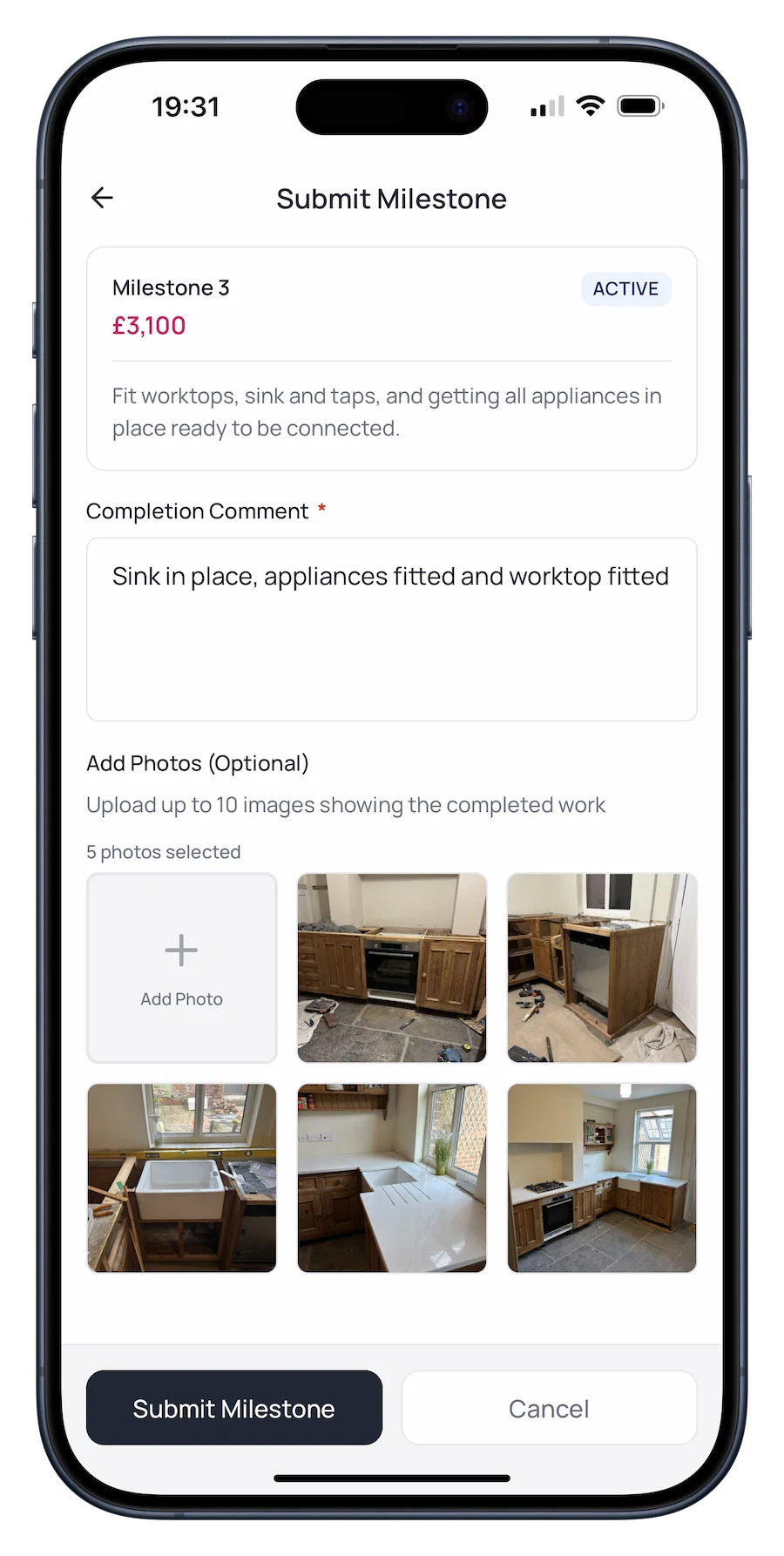
Log progress
Upload photos and notes as each milestone is completed, giving you a timestamped record that protects you if work is ever questioned.